
From the Install App button to your home screen
The verified first-party route is the only install path rs9 ships. No APK URL is ever requested.
Four steps, no surprises
What the install route actually does
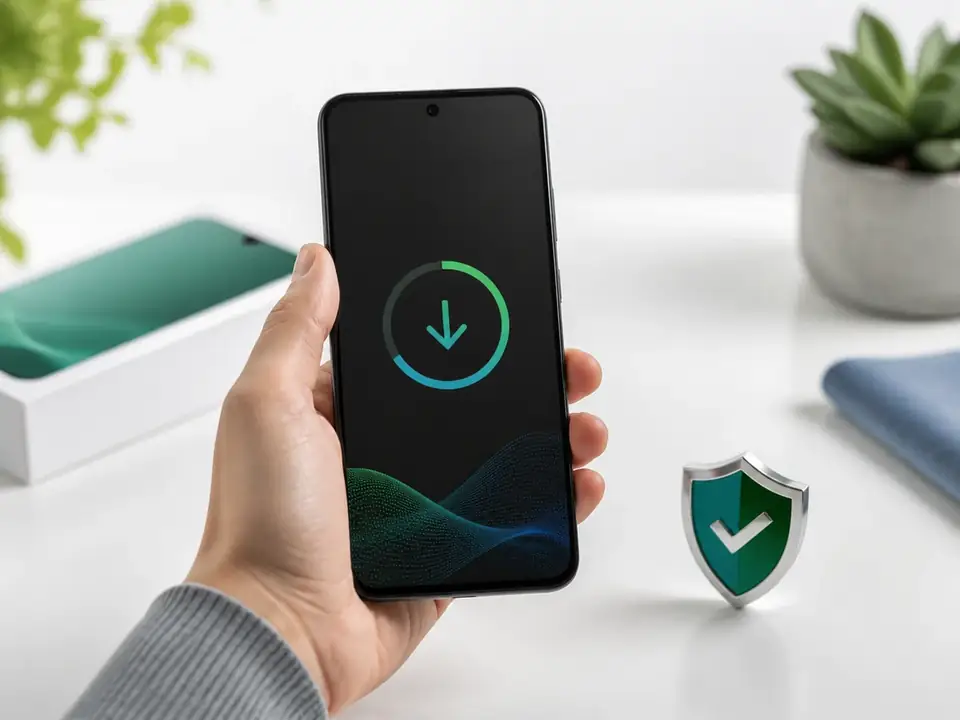
The verified first-party route is the only install path rs9 ships. The route opens a session token, asks for source-permission on the same screen as the install prompt, and signs the package with the operator key before the file lands on your device.
No APK URL is published. No third-party mirror is endorsed. Every install completes inside Android’s signed-install pipeline, which means the same package stream handles update, rollback and reinstall without losing your account, balance or VIP tier.
What the route signs off
- Operator signature against the package ID
- Minimum Android version (7.0) and target SDK
- Tablets and large-screen layout handshake
- Update-safe install that preserves local session state
- Visible transfer of the install prompt and source-permission decision
Verified install facts
| Field | Value |
|---|---|
| Platform | Android |
| Minimum Android version | 7.0 |
| Package source | Verified first-party route |
| APK download URL | Not published |
| Tablet layout | Supported |
| Install size | Not published |
| Last verified | August 2026 |
rs9 does not publish an APK URL. The verified first-party route handles source permission, signature verification and updates automatically.
What happens the first time you open rs9
After install completes, the app opens to a soft-green home screen with a four-category row (Fantasy, Rummy, Sports, Games), a fact strip and the same first-party install button. Sign-in is the only step before the lobby appears.
If the install fails, run this checklist
The first-party route may be blocked by an enterprise policy. Try a personal Wi-Fi network and confirm the browser is not blocking pop-ups.
Open Android Settings · Apps · Special access · Install unknown apps and allow the browser you used to open the route.
Free up at least 500 MB of storage, restart the device and retry. If it still fails, contact support at /contact/ with the device model and Android version.
Confirm the mobile number is the same one you registered with. The 18+ age gate runs on first sign-in.